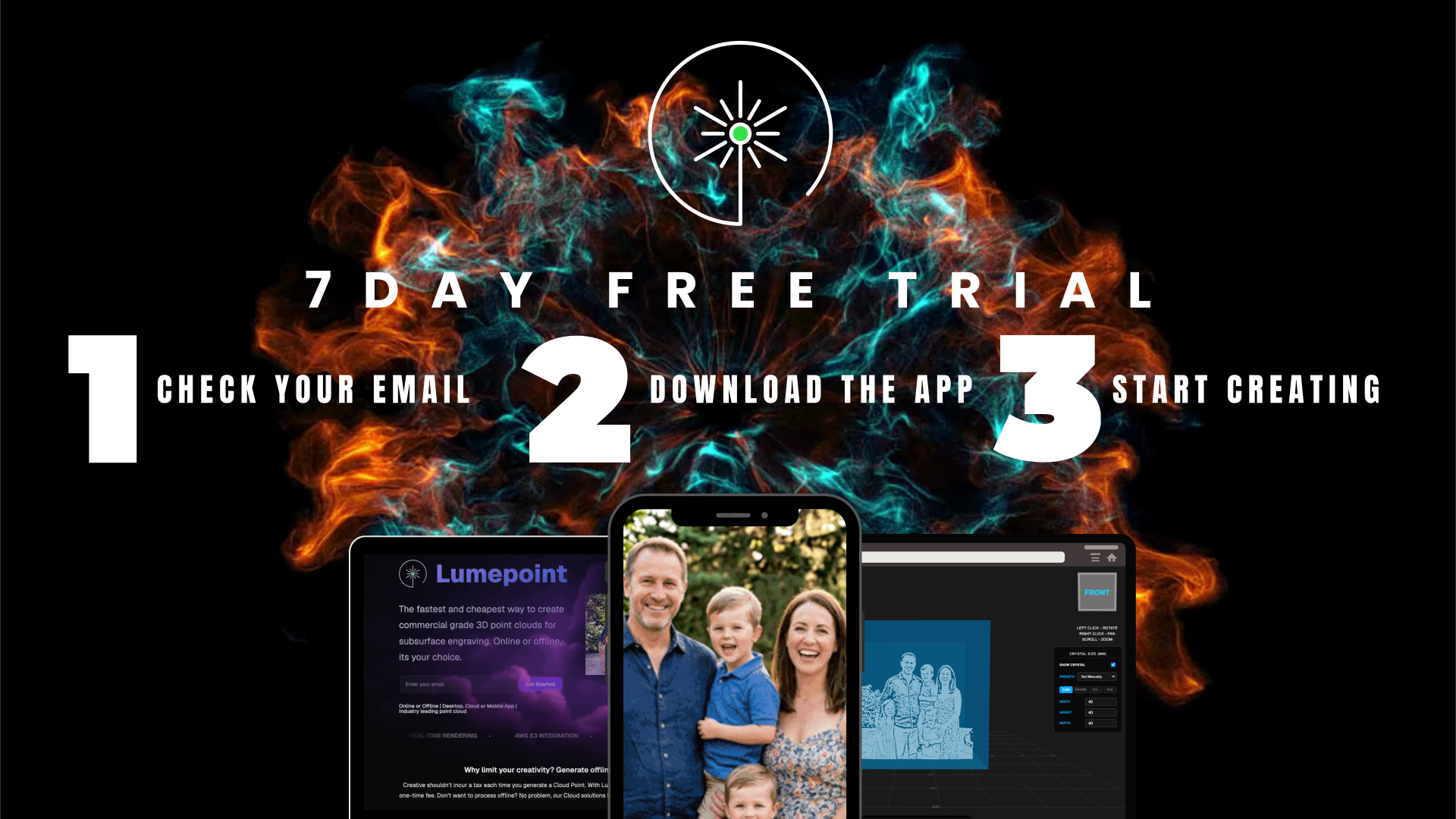
Your free trial has started!
7 days to explore Lumepoint, on us
Welcome! Your free trial is live and ready to go. You've got 7 days to upload images, generate your cloud points and see exactly what Lumepoint can do.
1. Check your inbox
We've sent you an email with your unique license key. Keep it safe - you'll need it to activate Lumepoint. Your trial will last
2. Download and install the app
Follow the link in your email to download Lumepoint and get it installed on your machine or download below
3. Start creating
Upload your first image, generate your cloud point, and bring it to life in crystal.
Troubleshooting and Support
User Manual
The Lumepoint User Manual is a comprehensive PDF guide covering setup, tools, and workflows, perfect for keeping to hand as you learn
Windows users — SmartScreen warning
If Windows Defender shows a “Windows protected your PC” message, this is a standard SmartScreen prompt for newly released software. To proceed, click More info and then Run anyway. For more information, download the guide below for step-by-step instructions.